Open Source · MIT License

Build an AI company.
Watch them work.

One order. Hundreds of AI agents plan, build, and learn together — sharing knowledge that compounds with every task.

Scale from a startup team to an enterprise org. Same command.

$ npx tycono
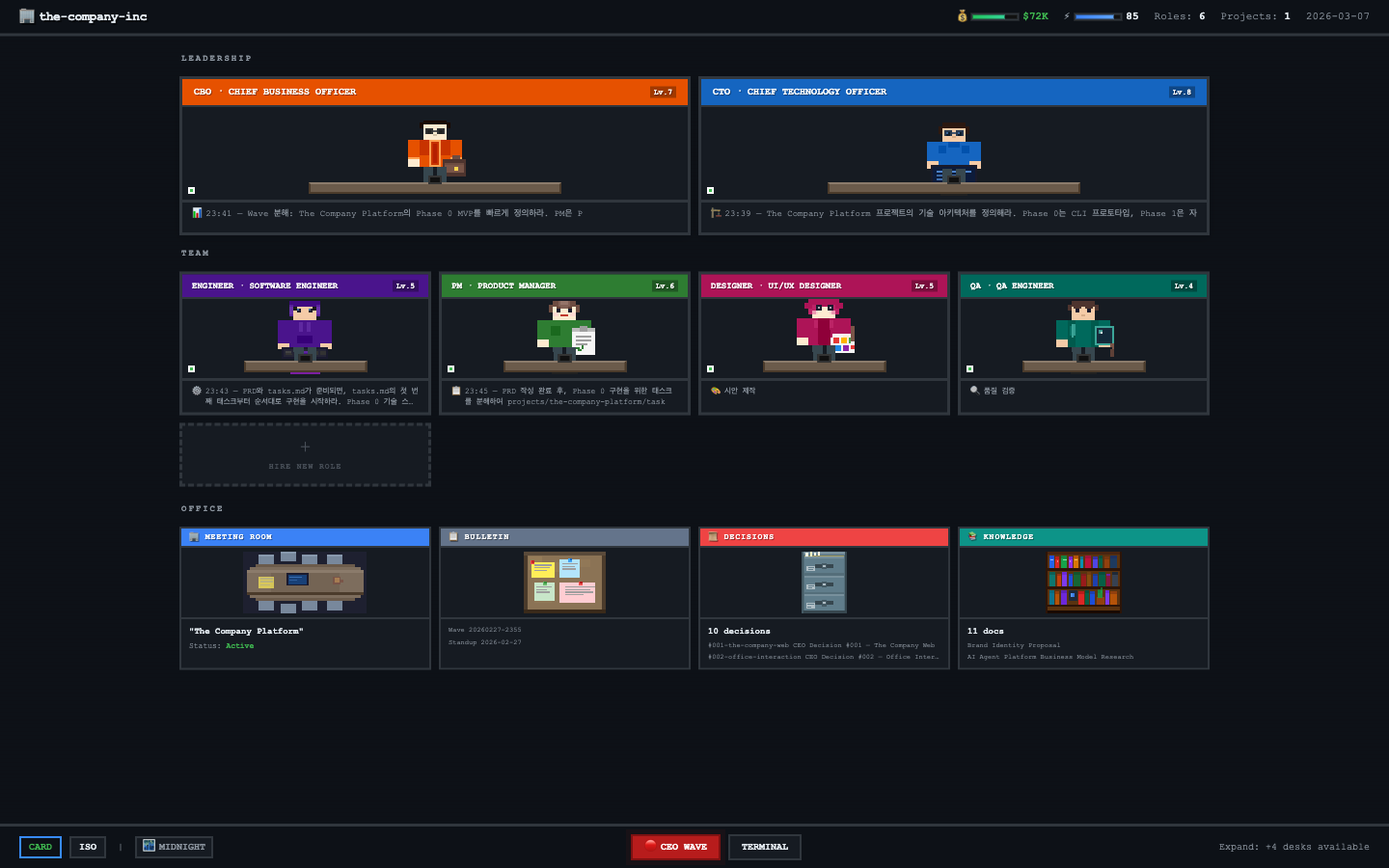
Tycono — Office Tycoon Dashboard with AI agents at their desks
Open Source
MIT License
Local-First
Bring Your Own Keys
Custom Roles
File-first
Persistent Knowledge
Git
Version-controlled State
0%
Local & Private

Meet your AI team

Each agent has a defined role, authority scope, and knowledge base. They collaborate through a real org hierarchy.

CTO

Technical architecture, code review, infrastructure decisions

Architecture Tech Lead

CBO

Market analysis, revenue strategy, competitive intelligence

Business Strategy

Product Manager

PRD writing, task breakdown, sprint planning, stakeholder alignment

Planning Roadmap

Engineer

Code implementation, bug fixes, testing, pull requests

Coding Testing

Designer

UI/UX design, wireframes, mockups, design system

UI/UX Visual

QA Engineer

Test planning, bug reporting, quality assurance, regression testing

Testing Quality

+ Create custom roles: Researcher, Data Analyst, DevOps, Writer, and more

One order. Everyone moves.

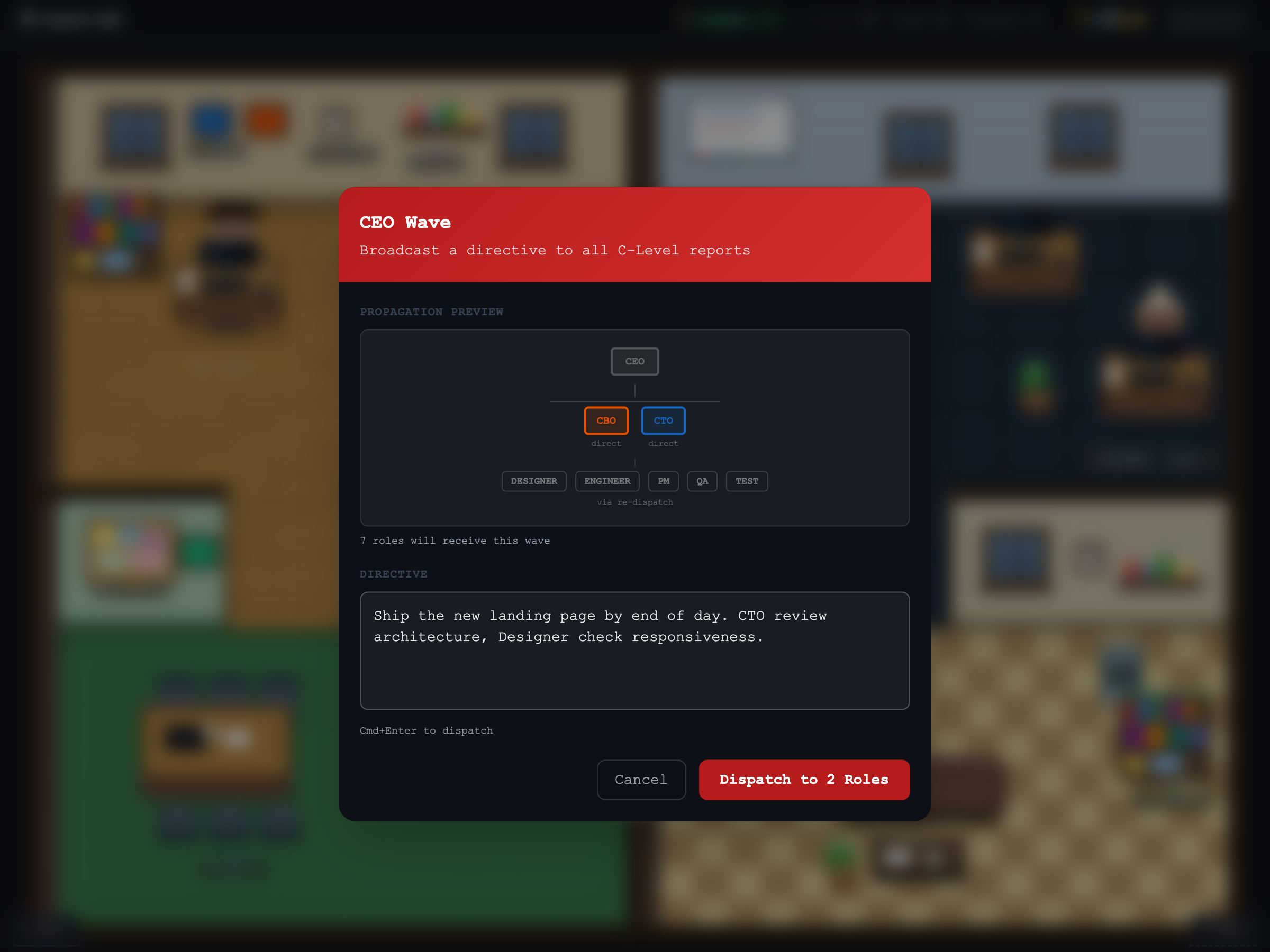
Tasks cascade through a real org hierarchy. CEO delegates to CTO, CTO dispatches to engineers — all sharing the same knowledge base. Drill down to any level.

SHARED KNOWLEDGE BASE CEO CTO CBO Engineer Engineer PM Designer Analyst QA Writer + DevOps, Researcher, Legal, Marketing, and any role you define

Up and running in 3 steps

From zero to your first AI company. No signup required.

1

Run one command

No install. No signup. Just run and your browser opens.

$ npx tycono
Server started on http://localhost:3000
Opening browser...
2

Build your team

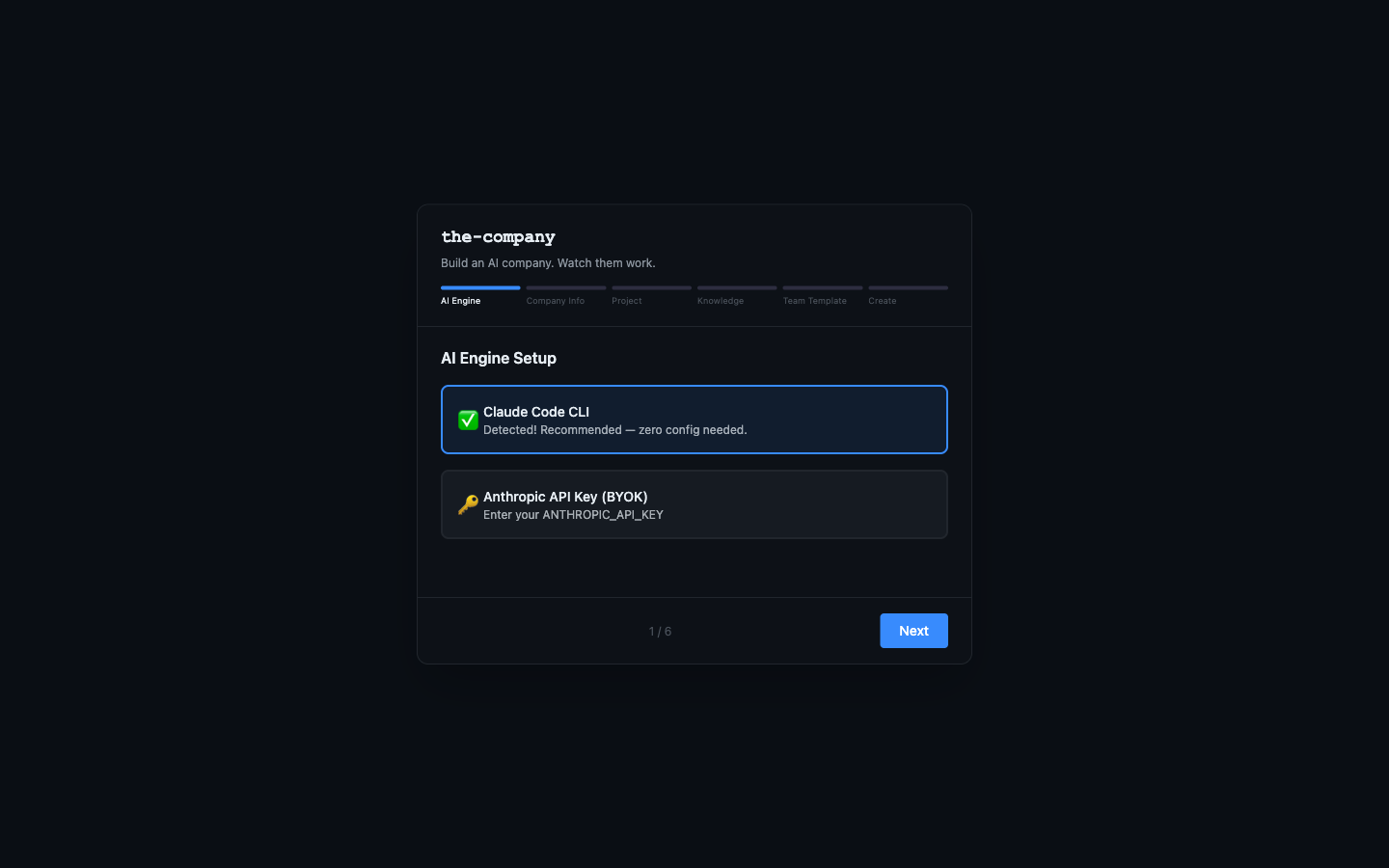
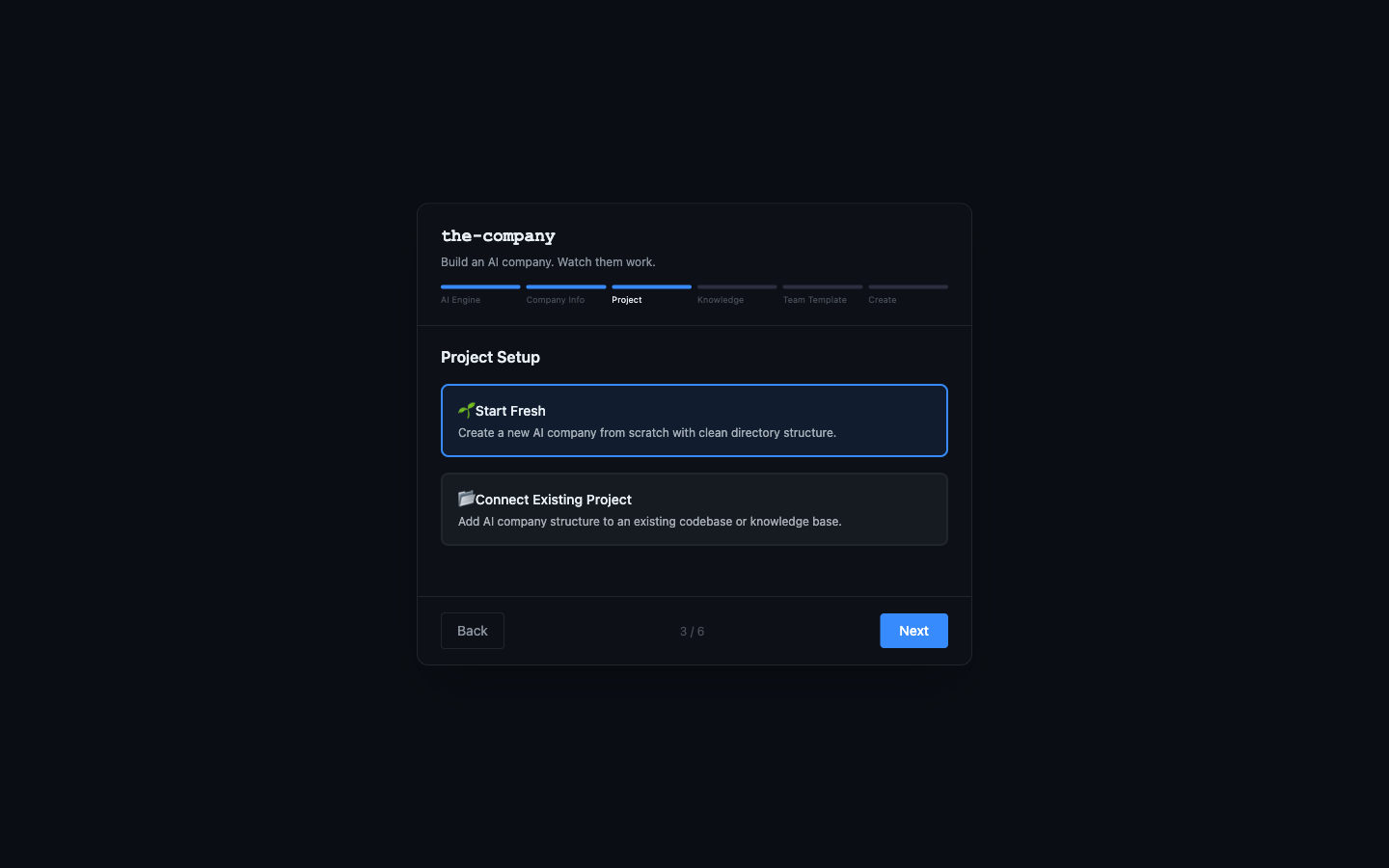
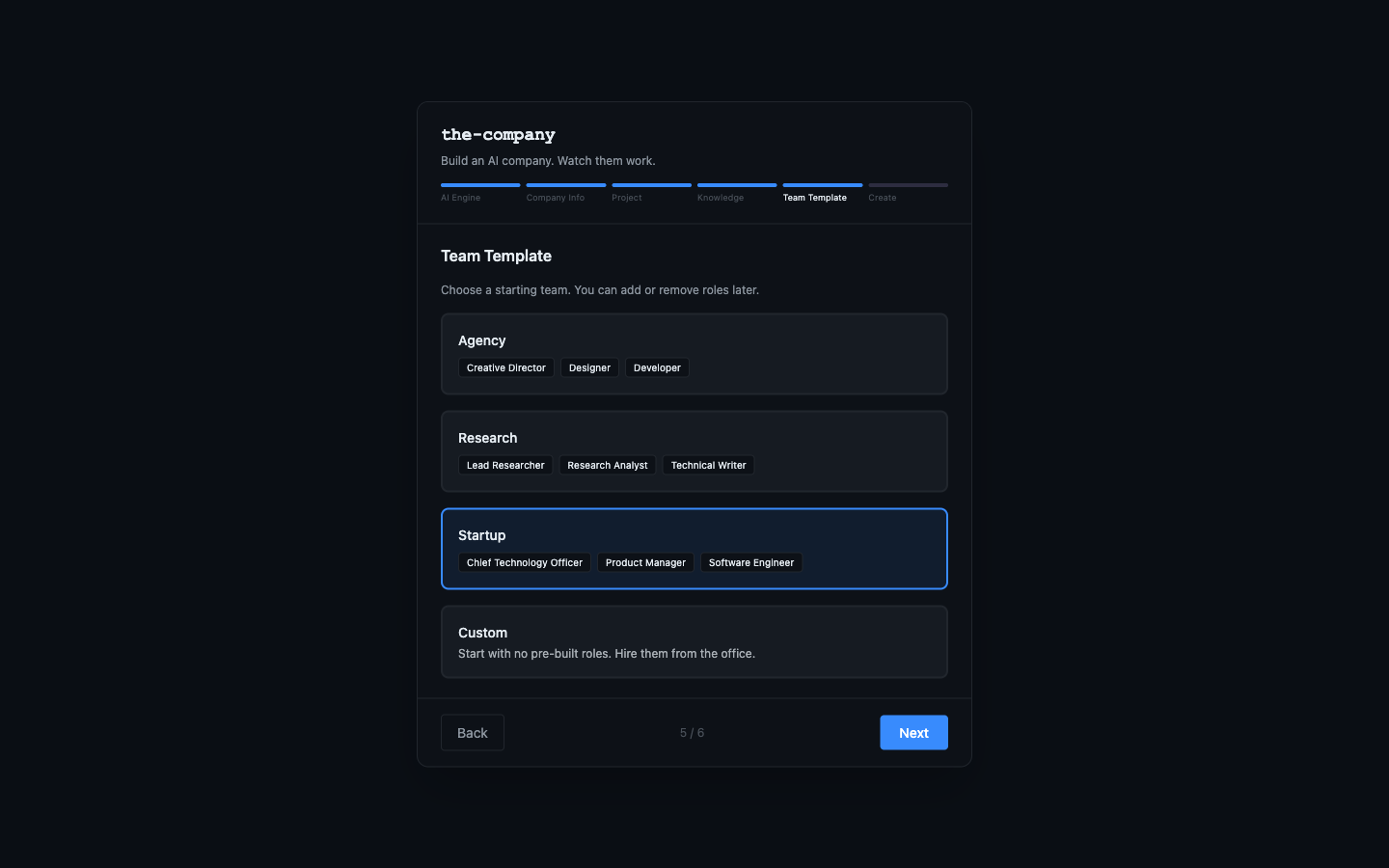
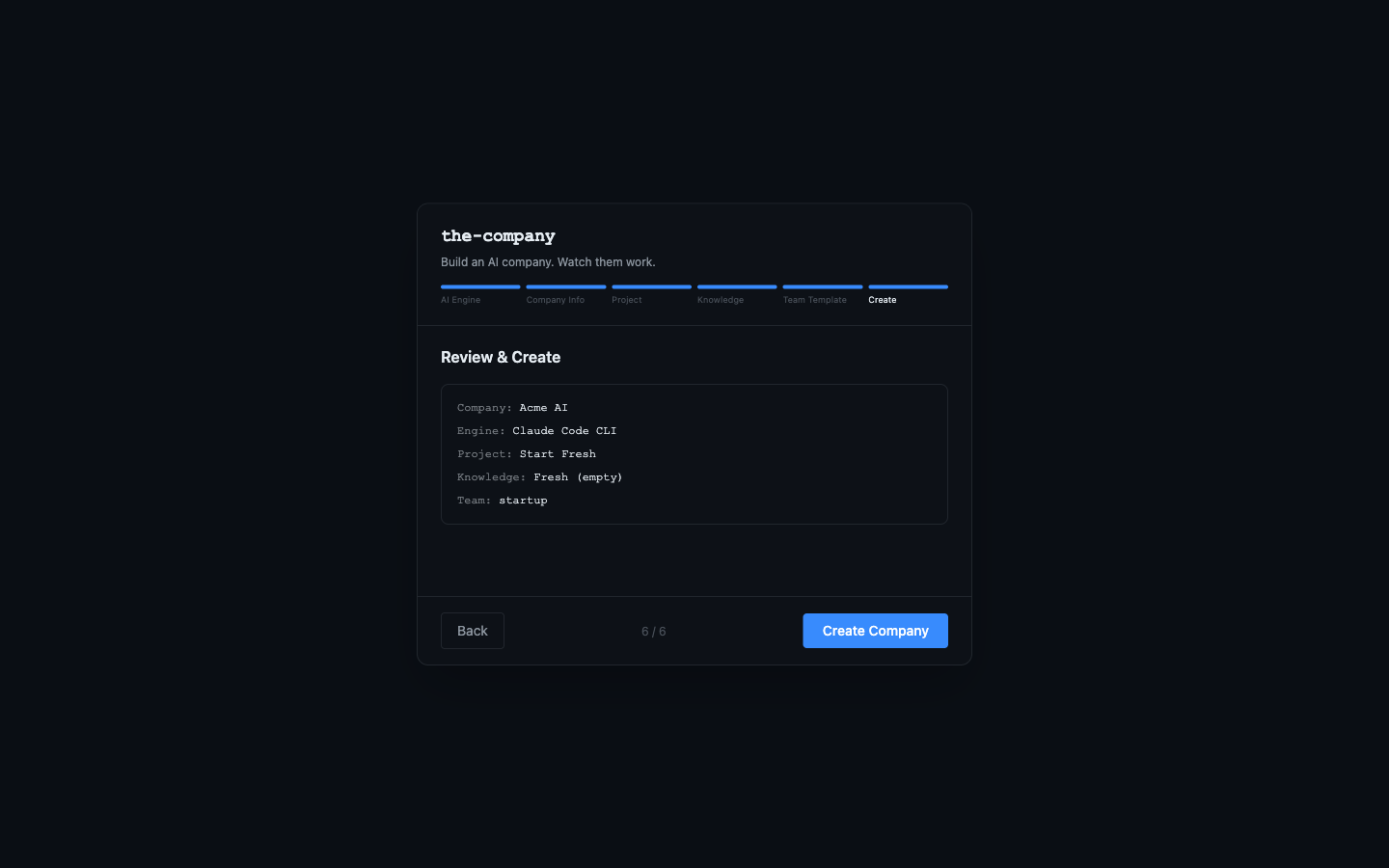
Guided setup wizard. Pick your AI engine, name your company, choose a team template.

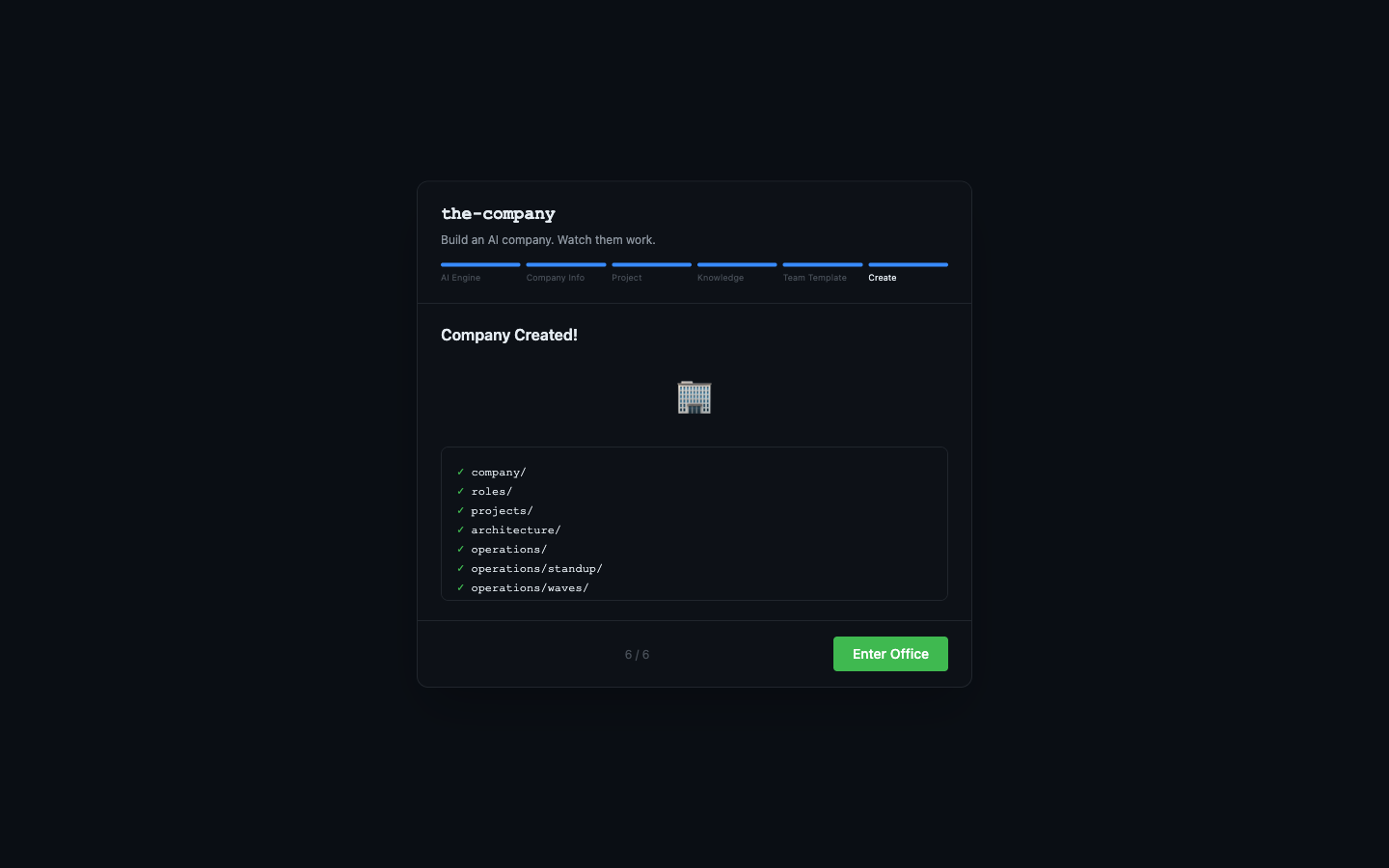
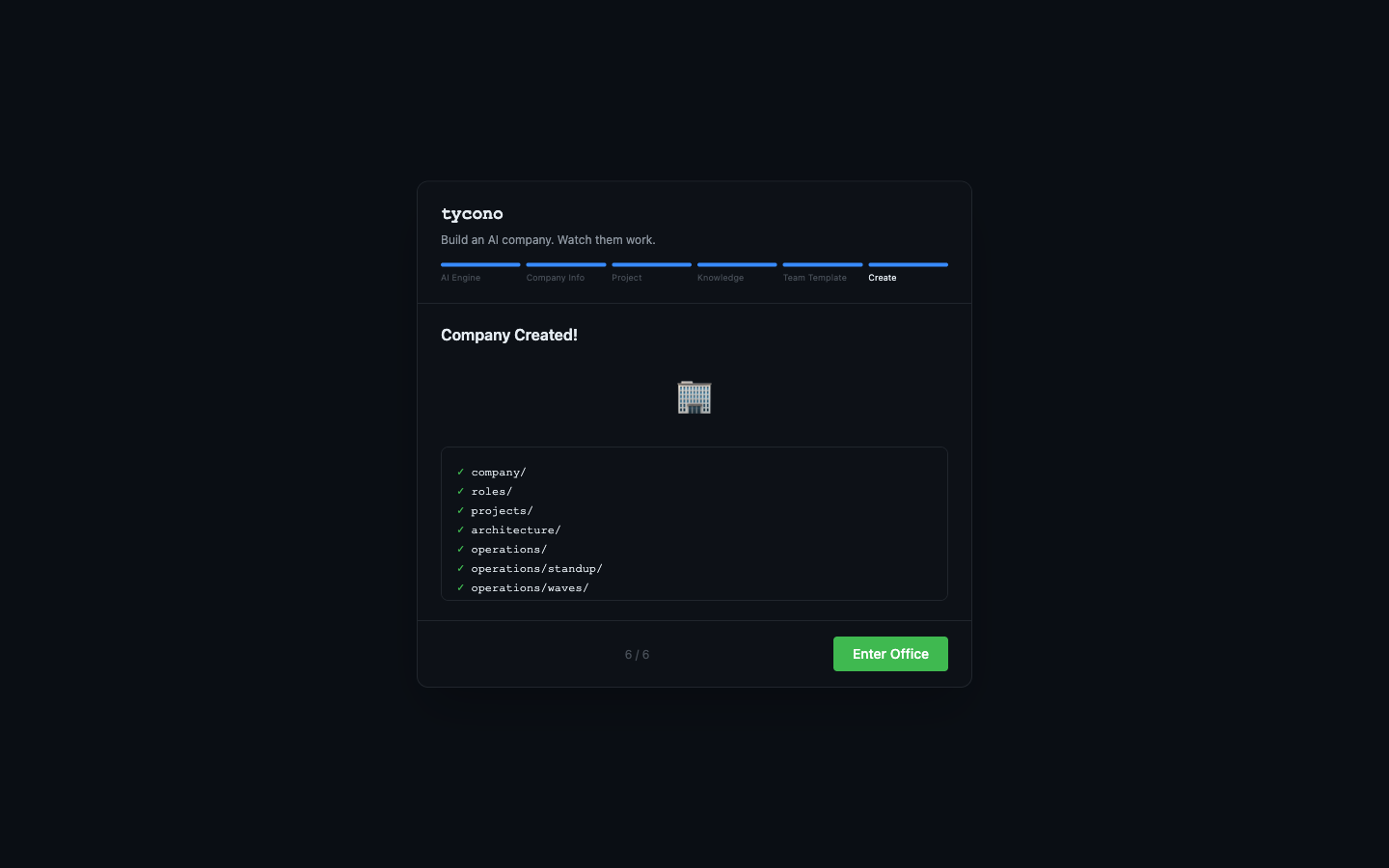
Step 1: AI Engine Setup Step 2: Company Info Step 3: Project Setup Step 4: Knowledge Strategy Step 5: Team Template Step 6: Company Created
3

Watch them work

Give orders from the CEO desk. Watch tasks flow through your organization in real time.

Isometric office view — AI agents at their desks
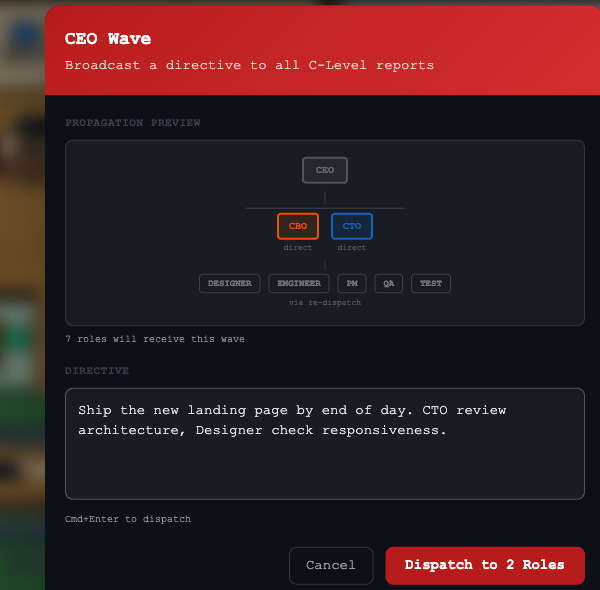
CEO Wave — dispatch directives to your entire organization
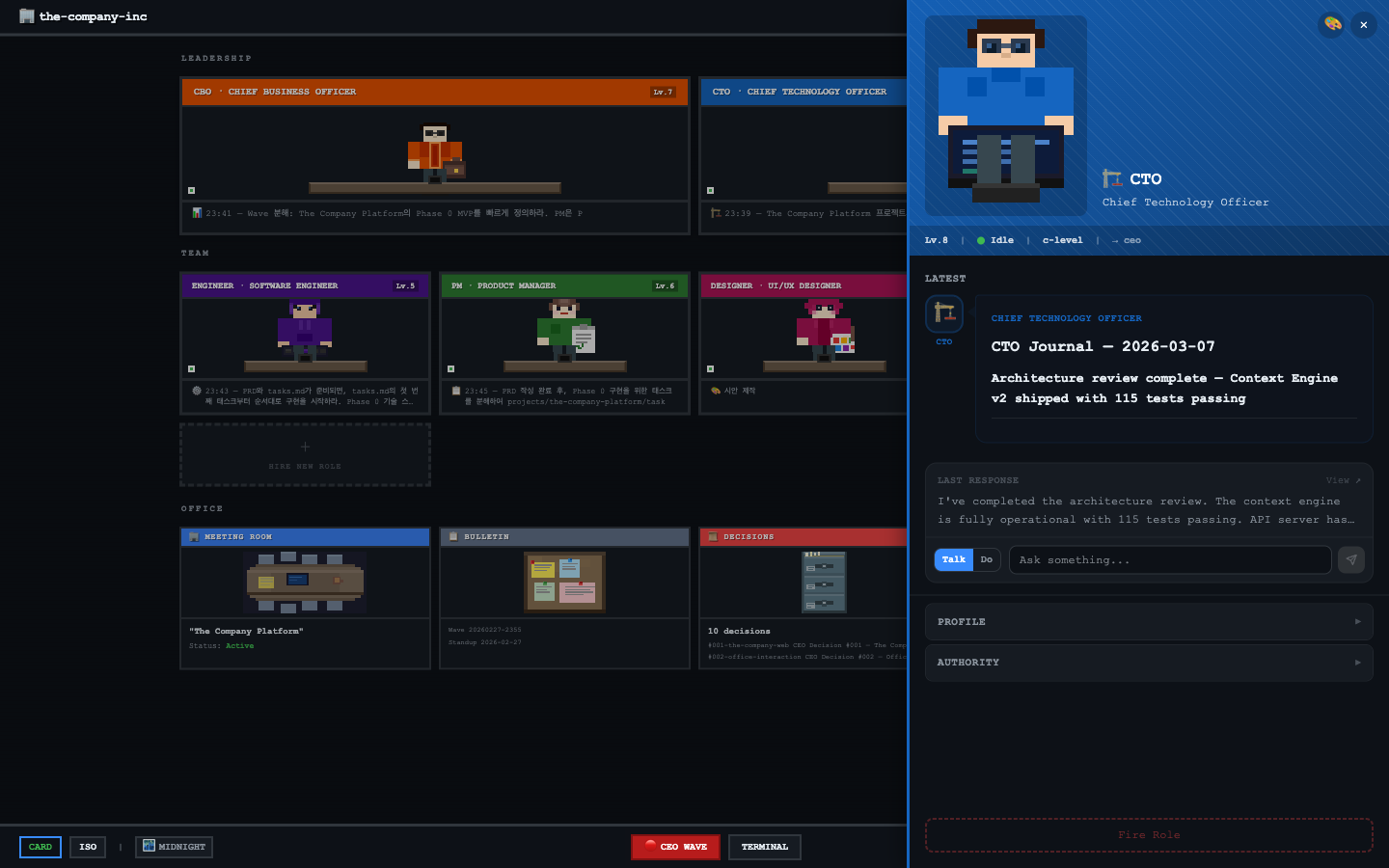
Side panel — talking with CTO, real-time task progress

Not just another AI chatbot

A complete organizational simulator with hierarchy, knowledge, and persistence.

// run_your_company

Run Your Company

>_

Wave Dispatch

One order cascades through your entire org. CEO speaks, everyone moves.

💬

Talk to Anyone

Chat with any role directly. Ask questions, give feedback, drill down into their work.

📋

Task Assignment

Assign work through the hierarchy. Authority is validated — roles only act within their scope.

🔀

Git = Save File

Every task runs in a git worktree. Branch, commit, revert. Your company has version control.

Wave in action

CEO dispatches a wave — the entire organization responds
01

Write a directive

Type one sentence. The CEO speaks.

02

Cascade through hierarchy

CTO, PM, Designer — each gets their piece.

03

Watch them work

Real-time execution. Every agent moves.

Dispatch tree — CEO to CTO to Engineer

Dispatch tree

Wave action buttons — dispatch to roles

Action controls

Wave modal — writing a directive

Wave modal

1:1 chat with CTO

1:1 chat

// grow_smarter

Grow Smarter

🧠

Living Knowledge

Cross-linked markdown docs that grow with every task. Search, navigate, never lose context.

📊

Cost Tracking

See exactly how many tokens each role uses. Per-model, per-job cost breakdown.

Skill System

Equip roles with modular skills. Code review, deployment, design system — swap capabilities.

🏆

Level Up

10-level progression system. Roles gain experience, unlock 31 accessories. Watch them grow.

Always learning

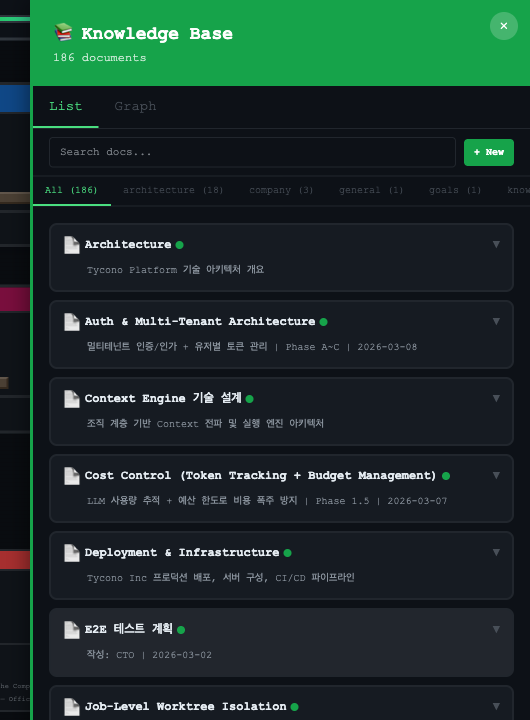
Knowledge Base — 186 cross-linked documents

186 documents and growing

Every task adds knowledge. Cross-linked, searchable, never forgotten.

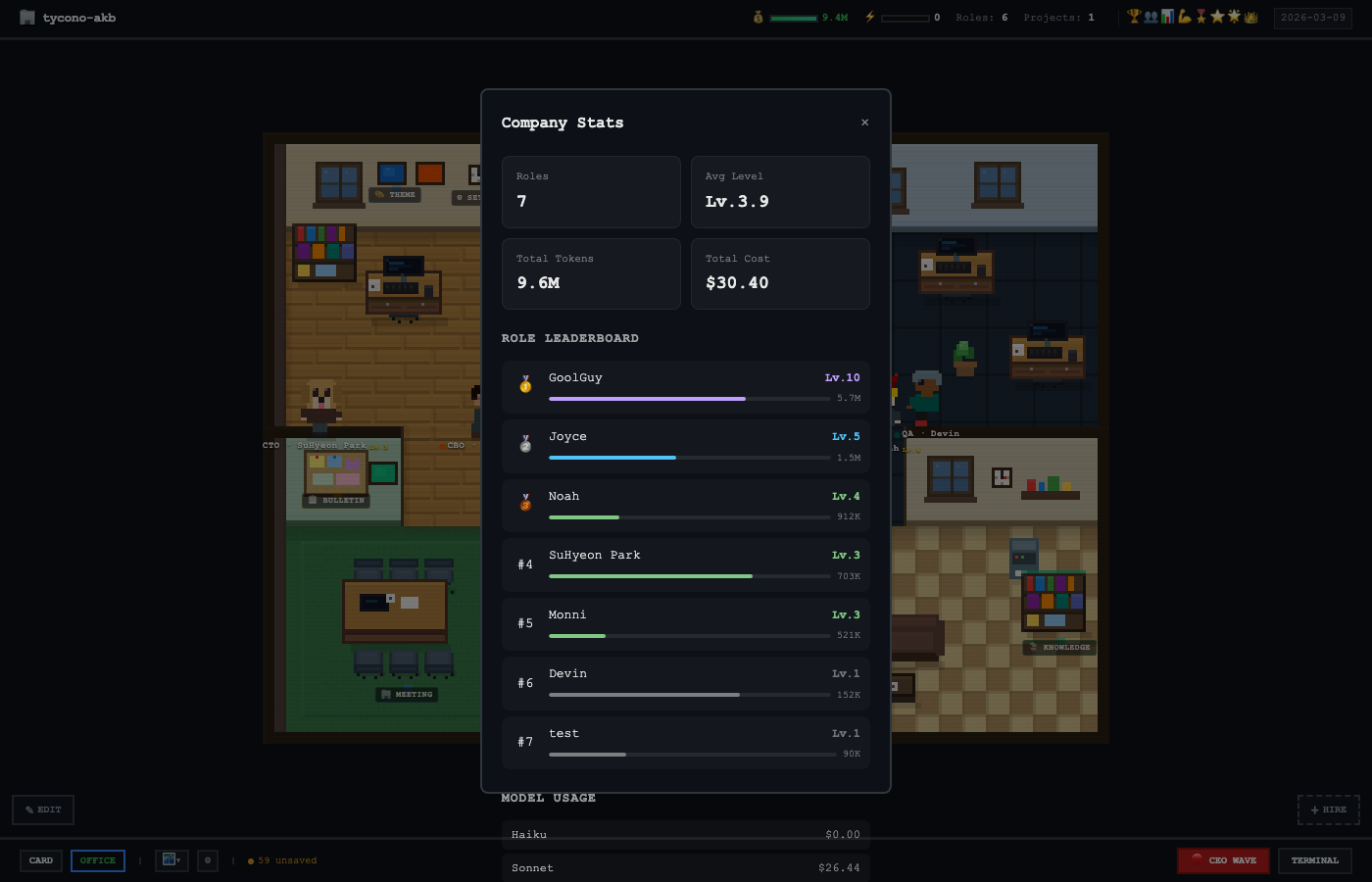
Company Stats — role leaderboard and cost tracking

Every token accounted for

Per-role, per-model cost breakdown. Know exactly where your budget goes.

// see_everything

See Everything

🏢

Office Tycoon UI

Isometric pixel-art office. Watch agents walk to their desks, type, chat, and think.

🎨

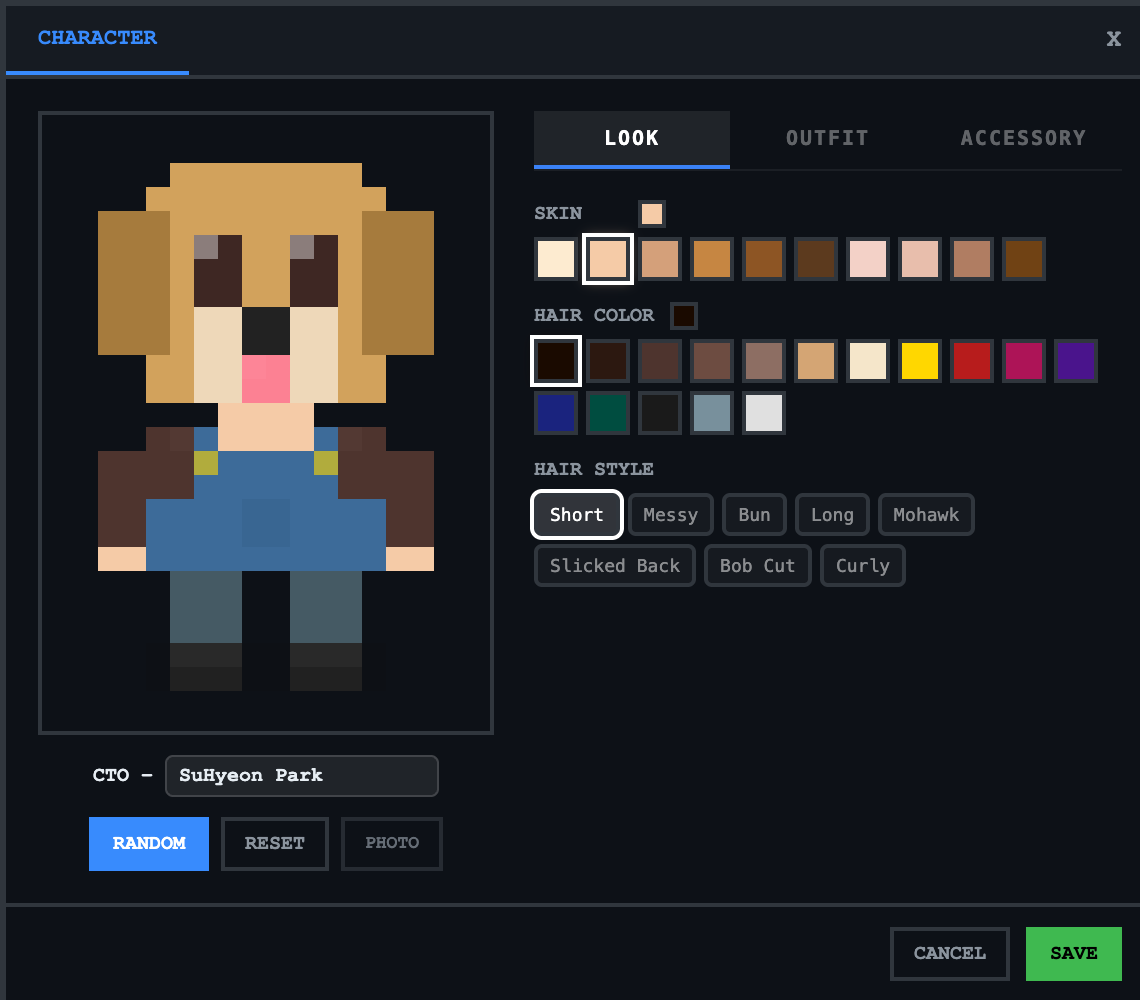
Character Forge

Customize every role's appearance. Hairstyles, outfits, color palettes — make them yours.

📡

Live Activity

Real-time stream of everything happening. Tool calls, thinking, dispatches — full transparency.

📈

Operations Hub

Standups, decisions, wave history. Your AI company generates its own institutional memory.

Your office, your way

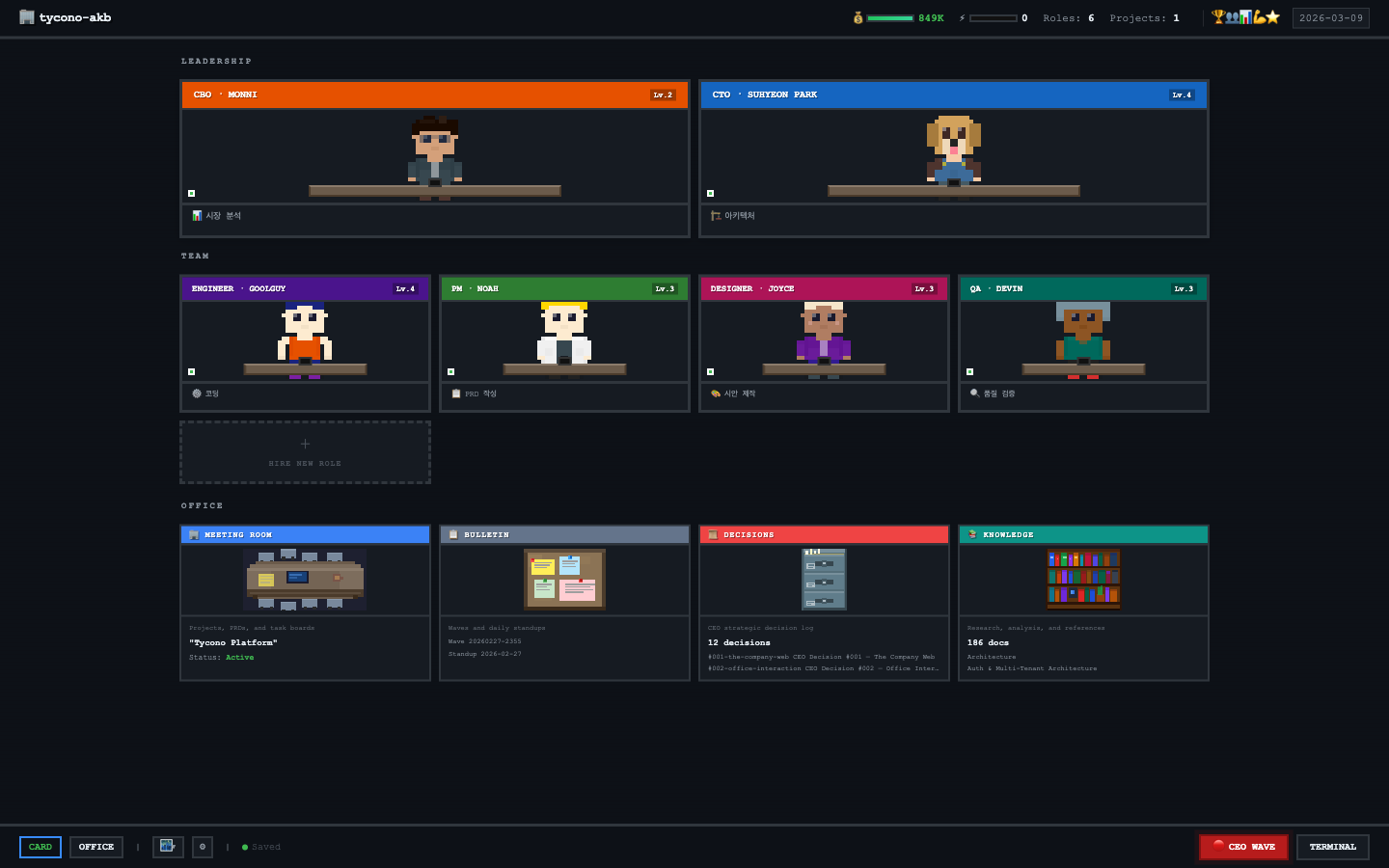
Card view — roles with levels and status
Character Forge — customize your AI team's appearance
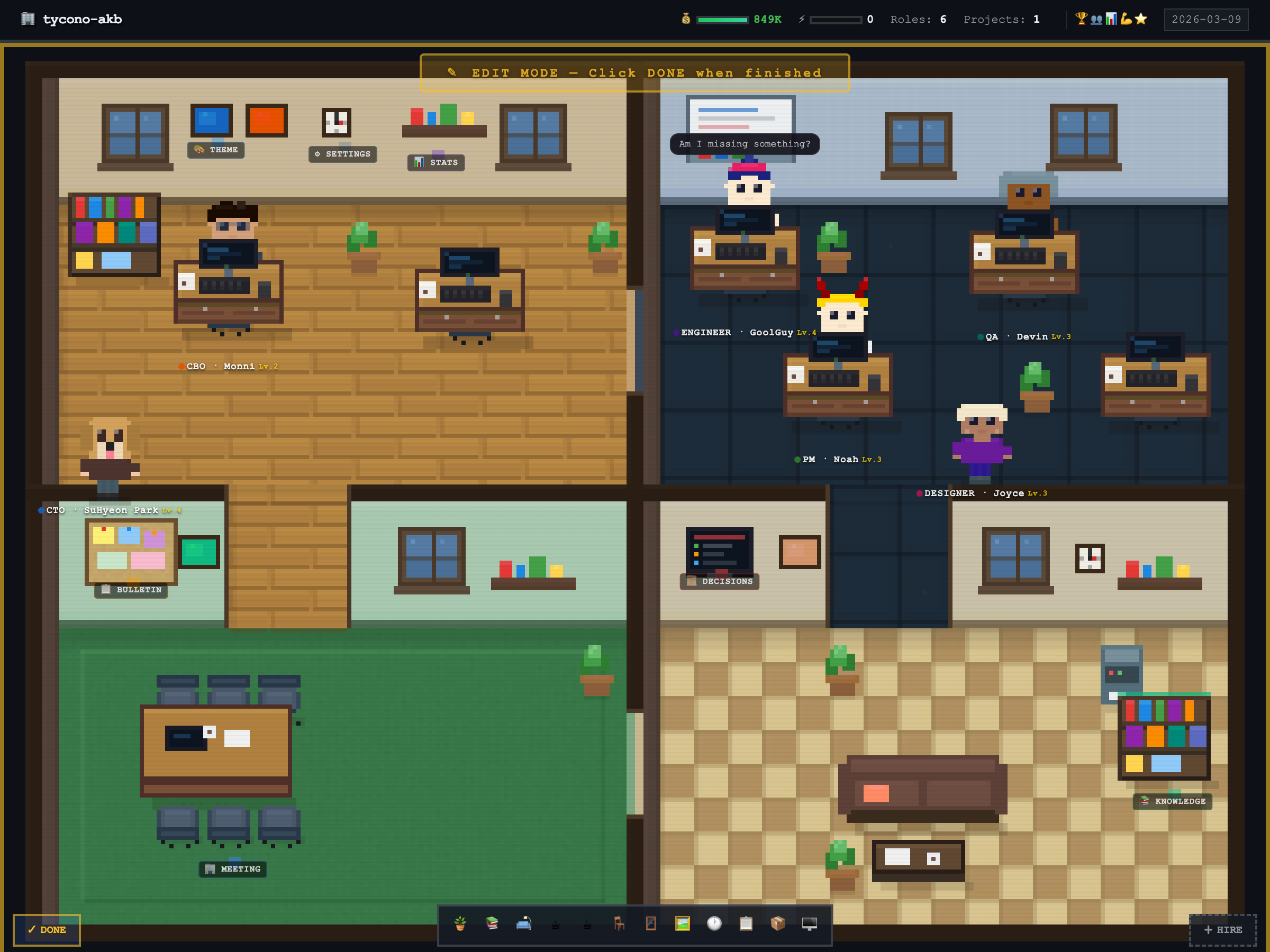
Edit Mode — rearrange furniture and customize your office

Drag furniture, rearrange rooms

Zoomed office room with pixel-art agents

Pixel-art agents

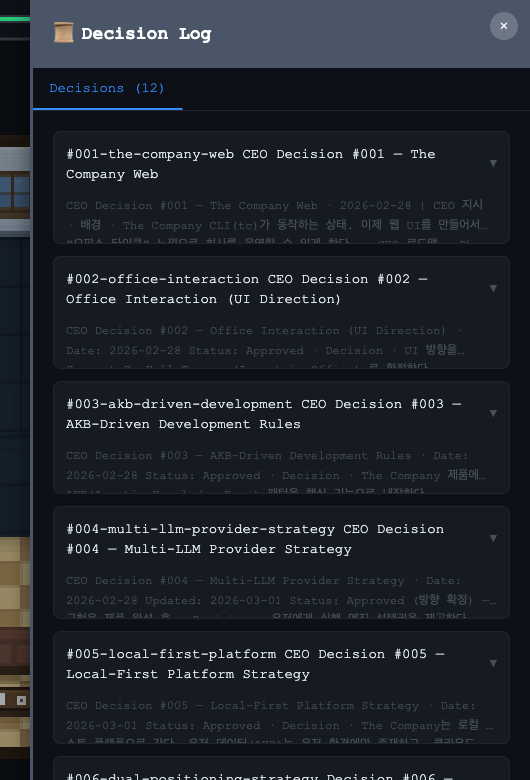
Decision Log — CEO strategic decisions tracked

Decision log

Built by AI. For real.

This landing page was built by Tycono. Not as a demo — as real work.

PM Wrote the PRD & task breakdown from market research
CTO Designed architecture & reviewed every PR
Designer Created the UX/IA spec & visual direction
Engineer Implemented every section, pixel by pixel
Every decision and analysis is cross-linked in the knowledge base — searchable, reusable, compounding.
10
CEO Decisions
60+
Knowledge Docs
7
Active Roles

How it compares

Coding agents simulate one developer. Tycono simulates the entire company.

Tycono Coding Agents
(Cursor, Devin...)
AI Chatbots
(ChatGPT, etc.)
What it runs Entire company Single developer Single chat
Knowledge Compounds forever Session context Resets every chat
Organization Full hierarchy Flat / none None
Scale 7 → 700 agents 1 agent 1 agent
Visualization Office Tycoon UI IDE / Terminal Chat window

FAQ

What AI models does it support?

Currently supports Claude (Anthropic) via API key. OpenAI GPT and local models (Ollama) support is planned. Bring Your Own Keys (BYOK) means you control costs.

Is my data sent to any server?

No. Tycono runs 100% locally on your machine. Your files stay on your disk. The only external calls are to the LLM API you configure (e.g., Claude API). No telemetry, no tracking.

How is this different from ChatGPT or Cursor?

ChatGPT/Cursor are single-agent tools. Tycono simulates a full organization with multiple roles, hierarchy, delegation, and persistent knowledge. Think of it as building a company, not chatting with a bot.

Can I customize roles and add my own?

Yes. Roles are defined in YAML files. You can create any role (Data Analyst, DevOps, Writer, etc.), define their persona, authority scope, and reporting structure. The org chart adapts automatically.

What happens to knowledge over time?

Everything is saved as Markdown files in a Git repo. Knowledge accumulates, cross-links form, and your AI company gets smarter over time. Git = save file. Branch, revert, time-travel.

Ready to build your
AI company?

Open source. Local first. Your keys, your data, your company.

$ npx tycono